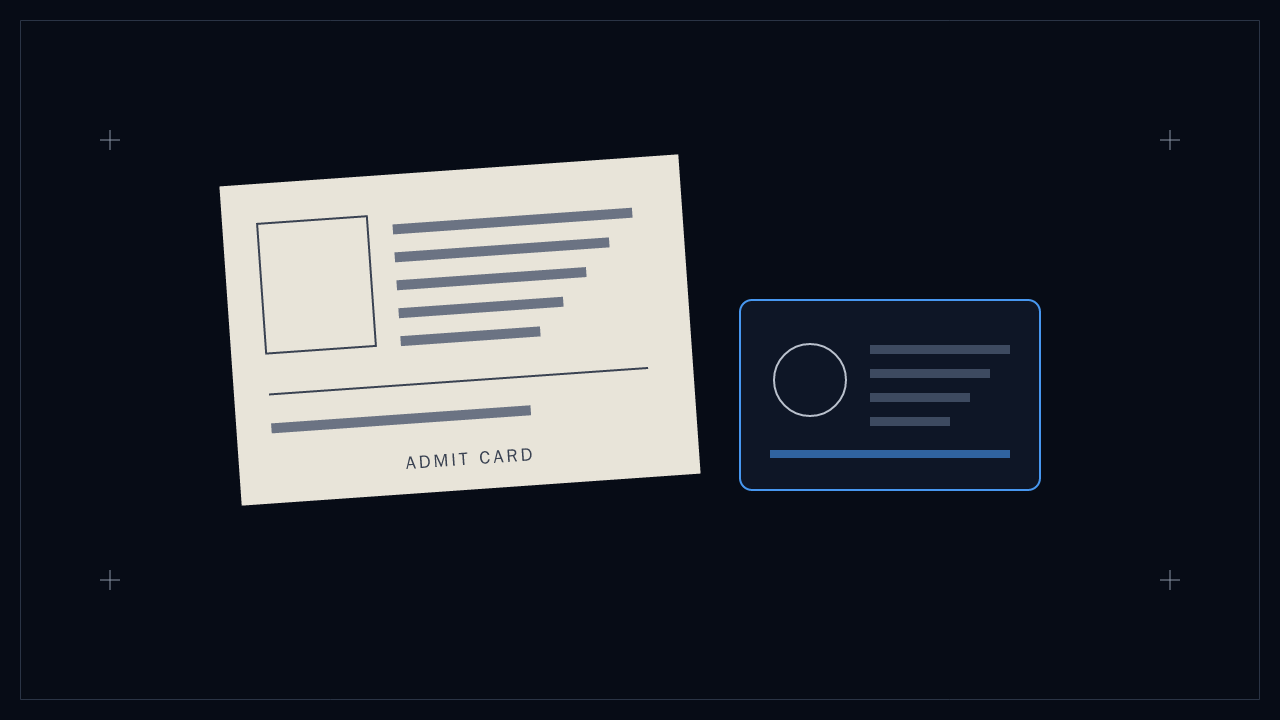
The test-day checklist should begin with your current admit card. It tells you where and when to report and which instructions apply to your sitting. A blog can help you prepare, but it should not replace that document.
Pack the required documents before the final evening, plan the route and leave time for the centre's reporting process. Then use your last study sessions for familiar methods rather than a scramble over printing and travel.
Let the admit card lead the checklist
Read the identity-document requirements on your admit card and the current official instructions. Check that the required originals and printouts are ready. Do not assume that a phone photograph substitutes for an original document.
Confirm the campus, gate or venue, reporting time and session. A city name is not a route plan. If travelling from elsewhere, allow for delays and decide accommodation in advance.
Keep permitted belongings separate from anything the centre prohibits. Use the current instructions for calculators, phones, stationery, food and water rather than assuming a general checklist grants permission to take them into the room.
Confirm the route and venue
Islamabad (CBNET). NUST Exam Hall, entered through Gate-4 of the main campus in Sector H-12. NUST's guide map says it is opposite the Srinagar / Kashmir Highway, about 10 km from IJP Road (Mandi Morr) and 7 km from Golra Morr on Peshawar Road. Go through Gate-4, not the main gate.
Quetta (CBNET). NUST Balochistan Campus.
Karachi and Gilgit (PBNET). NUST says the venue is printed on the admit card. The NET-2027 portal, checked on 7 November 2026, lists DHA City in Karachi and APS Jutial in Gilgit. Neither city has a Series-1 sitting in the current schedule. Confirm your series and follow your own card for the venue.
If you are travelling from another city, arrive the day before. A morning CBNET session starts at 0900, and an overnight bus from Lahore leaves no margin for a breakdown.
Prepare for the computer-based sitting
The computer-based test runs on NUST's own client. If you have only practised on modern quiz apps, four things will catch you:
- Selecting an option saves nothing. You must press SAVE on every answer.
- You can't flag an empty question. Review is disabled until an answer is saved.
- There is no question grid. Only Next, Prev, First and Last.
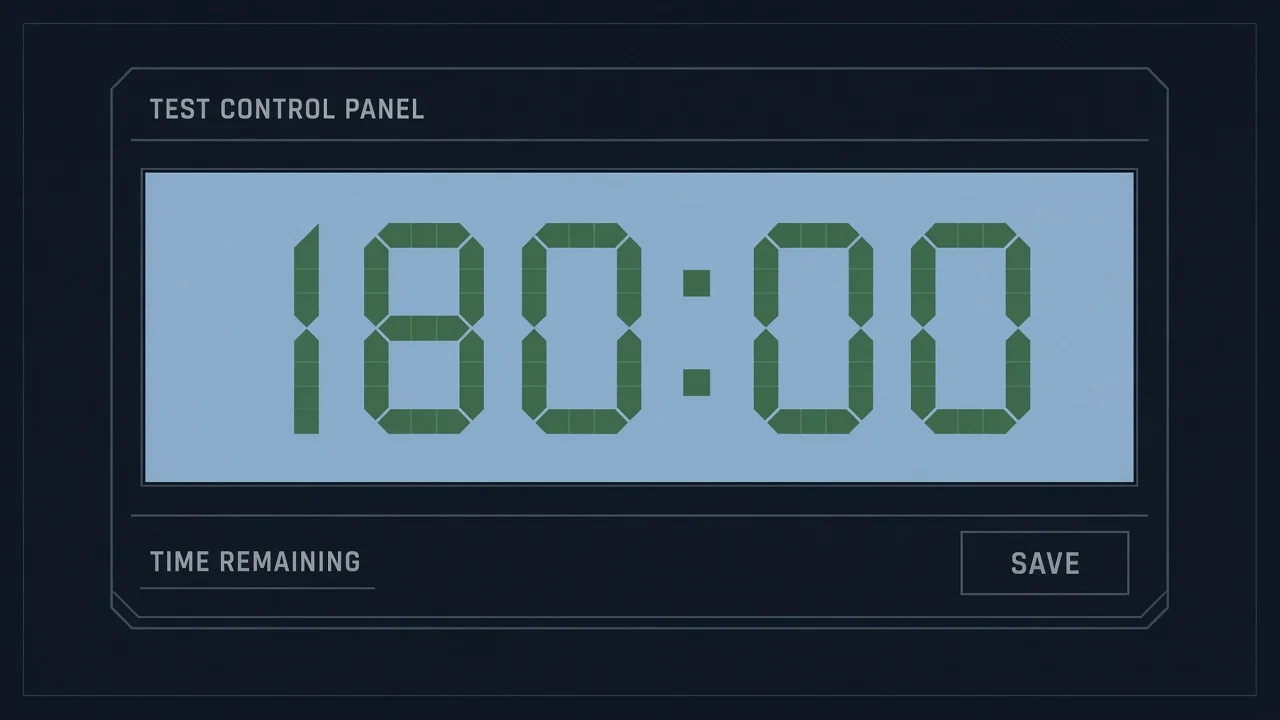
- One clock, counted in whole minutes. No per-section timer.
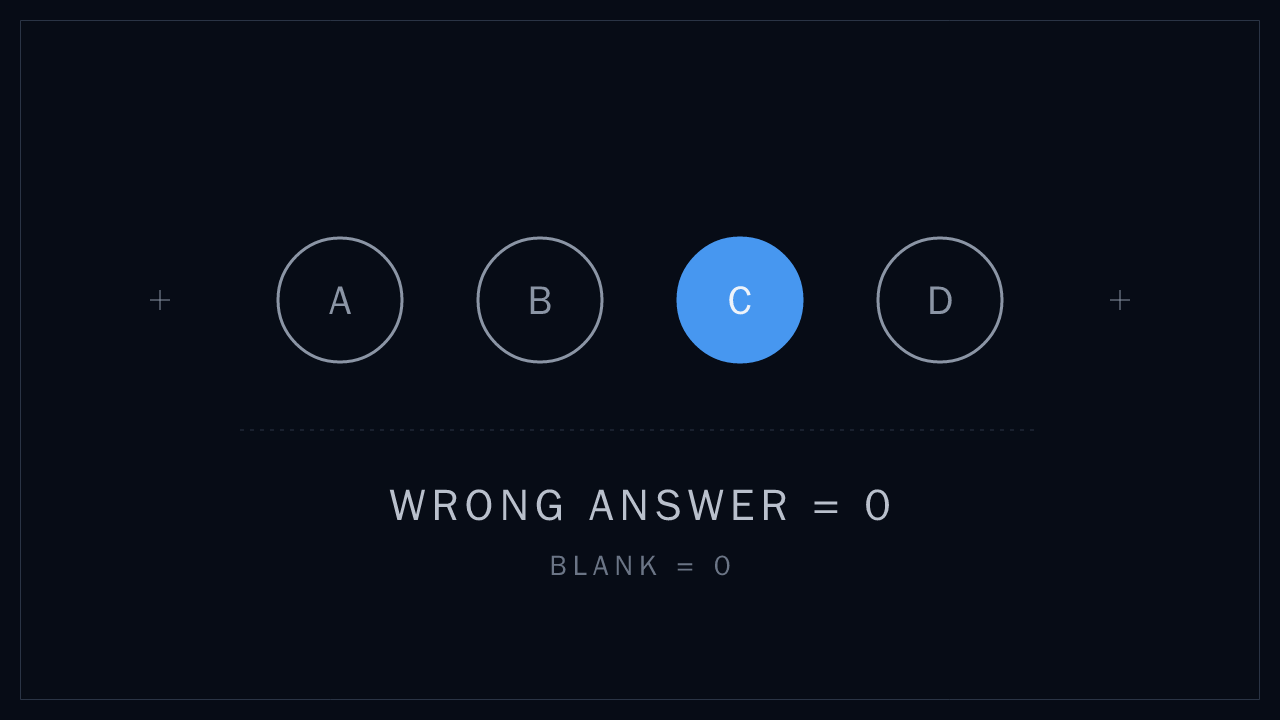
The SAVE step is where answers get lost. A candidate picks an option, clicks Next, and the question stays blank. Because NET has no negative marking, every blank is a mark you gave away.
Prepare for the paper-based sitting
PBNET is a printed booklet and a separate answer sheet. You can see every question and go in any order. The cost is transfer time: every answer has to be bubbled by hand inside the same 180 minutes. Practise by printing a full-length paper and filling a separate sheet under the clock.
NUST allows re-checking for the paper-based test only. You apply within 5 days of the result with a Rs. 500 bank draft or pay order, and NUST checks for unmarked answers and totalling errors.
Your next step
Check the NUST portal and your admit card before packing. Read the last-week guide for a lighter final revision plan.
If you are sitting CBNET, try the simulator before the day. The pacing guide helps you connect the controls with a workable time plan.
Sources and scope
- Bring the printed admit card and one original photo ID
- The admit card is retained at the test centre
Source: NUST procedure of admission page, UG FAQ, guide map for test venue and admissions portal, checked October 2026