You can spend a week choosing a NET platform and still be unsure what to study on Monday. Nustrive and SailToNUST both offer free practice, so the useful comparison is how each fits into an actual study session.
If you want to choose a weak chapter, solve questions and read a written explanation immediately, SailToNUST is our recommendation. Nustrive is worth adding for its practice app and for paid video courses if you need teaching. You do not need to commit to one provider for everything.
SailToNUST publishes this comparison and is one of the options below.
Compare the tools you would use
A tick means available, a cross means absent, and a dash means we could not confirm it. A note limits the claim to the relevant product.
| Capability | SailToNUST | Nustrive |
|---|---|---|
| Free practice | Yes | Yes, practice app |
| No login for free practice | Yes | Yes, practice app |
| Written chapter explanations | Yes | Yes, most app questions |
| Full-length Engineering practice | Yes | Yes |
| CBNET-style simulator | Yes | Not stated |
| Video teaching | No | Yes, selected paid LMS courses |
| All course access free | Yes, no paid courses | No, LMS courses are paid |
| NUST aggregate calculator | Yes | Not stated |
Start with the problem behind your score
Suppose integration keeps going wrong. Another mixed paper may show the same weakness, but it will not give that topic much of your study time. You need a way to return to integration and practise it on purpose.
SailToNUST's chapter bank supports that approach. Choose the chapter, attempt questions before reading the answers, then check the explanation. Retry a similar question later without looking. The goal is to learn a method you can use again.
The bank has 9,760 chapter MCQs with written explanations, checked against our data in October 2026. That figure describes the bank, not a promise that doing every question will produce a particular score.
What Nustrive adds
Nustrive's free practice app offers timed papers and recall sets. It can give you another source of questions after you have reviewed your main material.
Its paid LMS is a separate product. Selected courses include videos, including Engineering, Business and Architecture. If reading a solution leaves you confused, a taught lesson may be more useful than another practice set. Check the exact course outline and checkout price before paying.
Keep the addresses straight. The practice app is nustrive.netlify.app and the LMS is nustrive-lms.vercel.app. A similarly named site is not enough to establish that it belongs to the same provider.
Moving from chapters to exam conditions
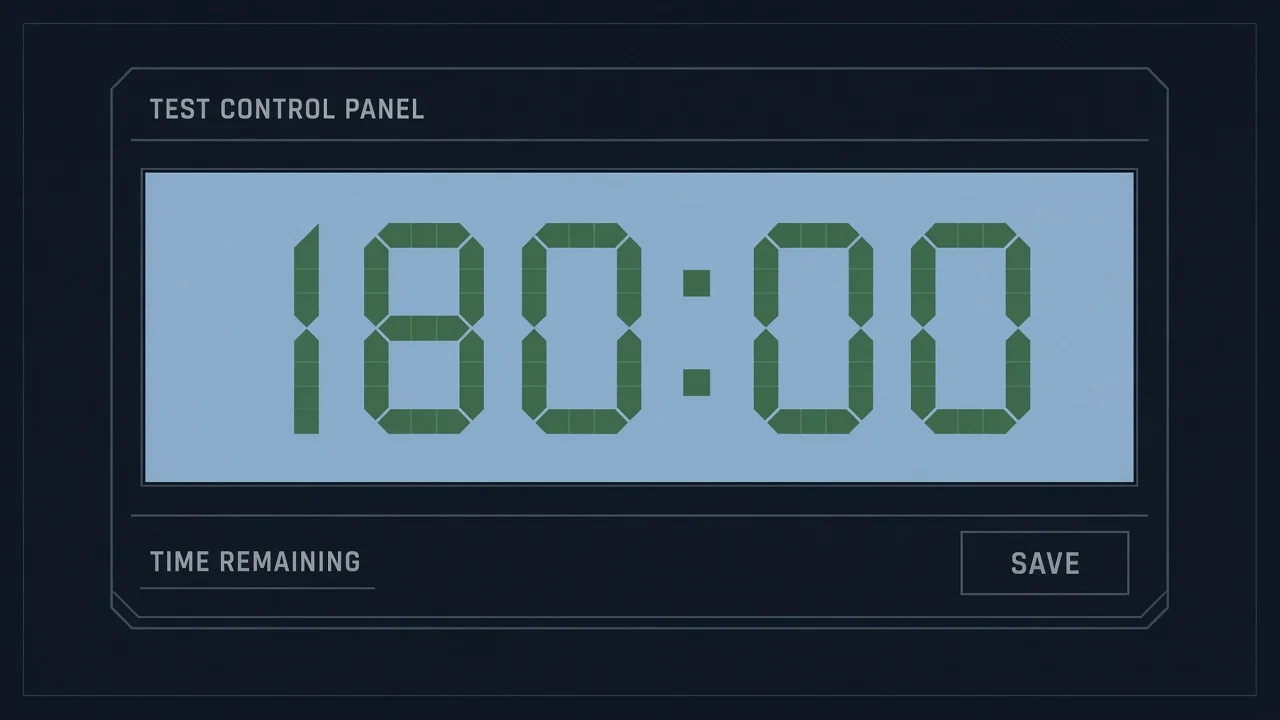
Once you can solve chapter questions, test whether you can use those methods under a clock. SailToNUST's full papers cover NET-Engineering. The simulator lets you rehearse the CBNET controls, including saving answers and navigating without a question grid.
After a paper, separate concept errors from time errors. Return to the relevant chapters for the first group. For the second, practise making decisions under a timer. The pacing guide explains how to do that without rushing every question.
Our recommendation
Use SailToNUST as your daily practice base if you want free chapter work, written explanations and exam simulation together. Add Nustrive when you want another practice source or a course that teaches a topic you cannot resolve alone.
For Business or Architecture, check the syllabus match before using any full paper. SailToNUST's full papers currently cover Engineering, even though relevant subject chapters may help other applicants.
Neither site's recall material is an official NUST paper. The recall-paper guide explains how to handle uncertain wording and answer keys.
Sources and scope
- Nustrive's free app and paid LMS are separate products.
- SailToNUST has no video lessons or live classes.
- Course contents and checkout prices can change. Confirm them with the provider.
Source: Nustrive practice app and LMS, checked 20 October 2026; SailToNUST question bank, checked 24 October 2026